Effortlessly view Sentry Mode events, manage TeslaCam footage, and share multi-angle videos with real-time telemetry. No computer needed.
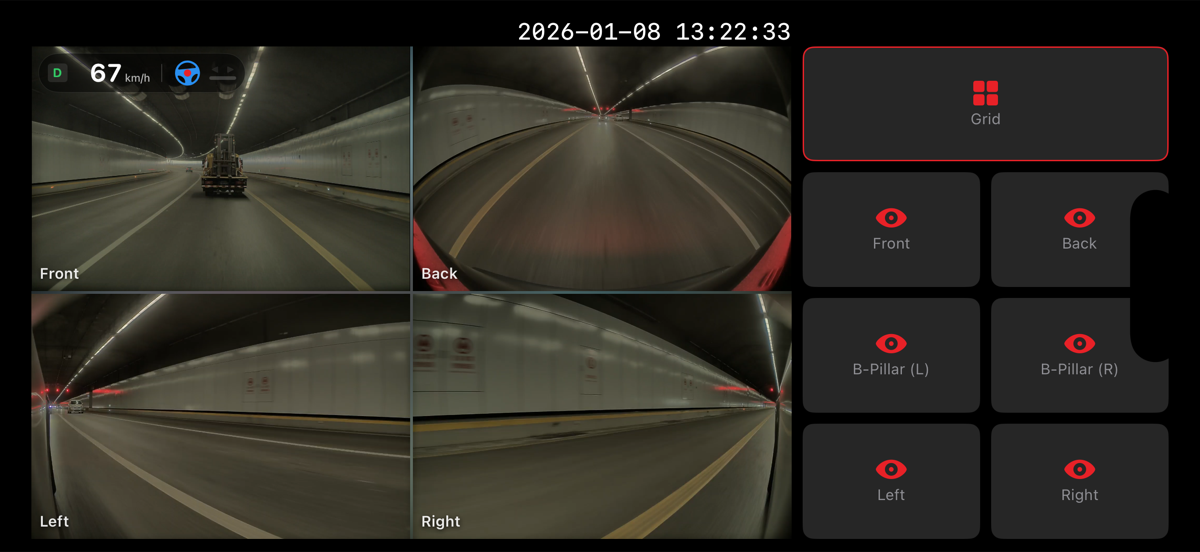
Download on the App StoreDon't toggle between cameras. Watch Front, Back, Left, and Right angles simultaneously. HW4.0 Ready: Automatically detects and plays 6 cameras (including B-Pillars) for the ultimate panoramic view.
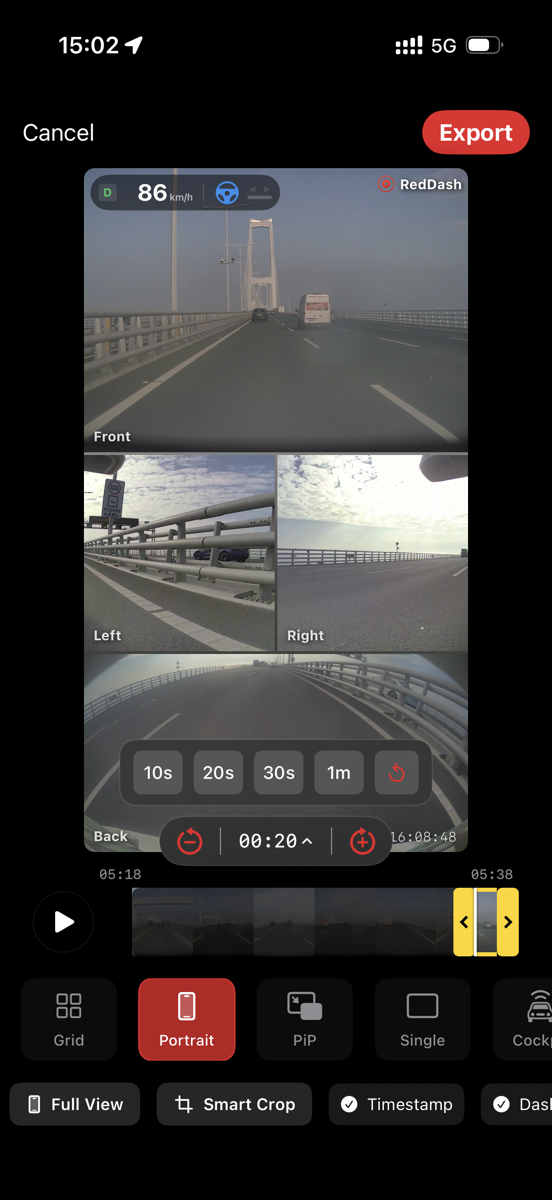
Turn your drives into content. Export standard 2x2 grids, cinematic Picture-in-Picture, or professional Cockpit and Sidebar layouts. Social Safe Mode: Optimized 9:16 layouts for TikTok and Reels with smart UI safe-zones to ensure your content looks perfect on every platform.
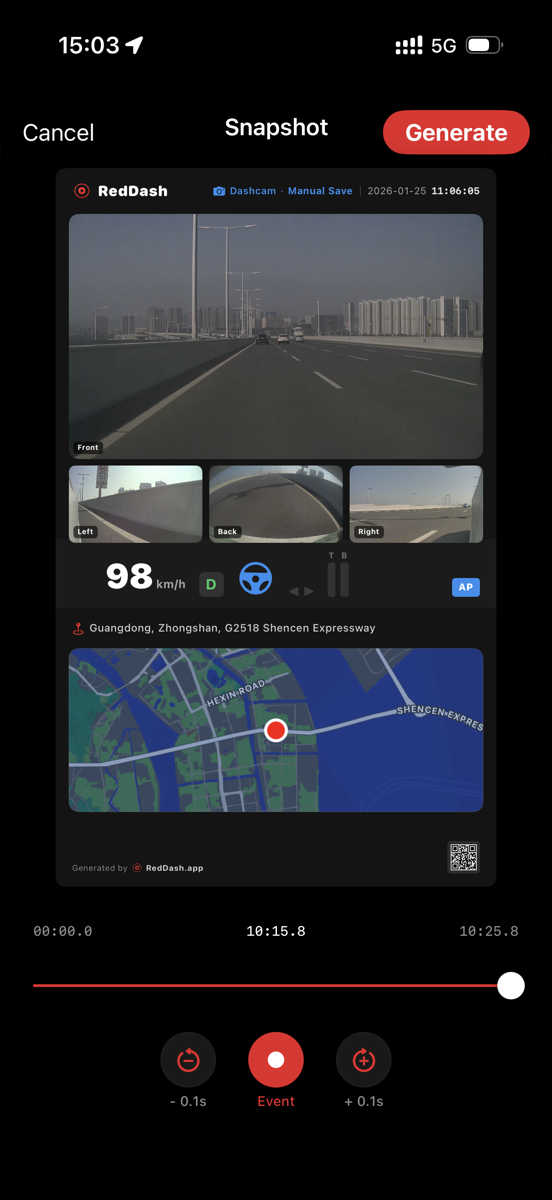
Add a professional touch to your videos. Overlay real-time speed, steering angle, accelerator, and Autopilot status directly onto your clips. Create stunning snapshots with GPS map context to share your journey.
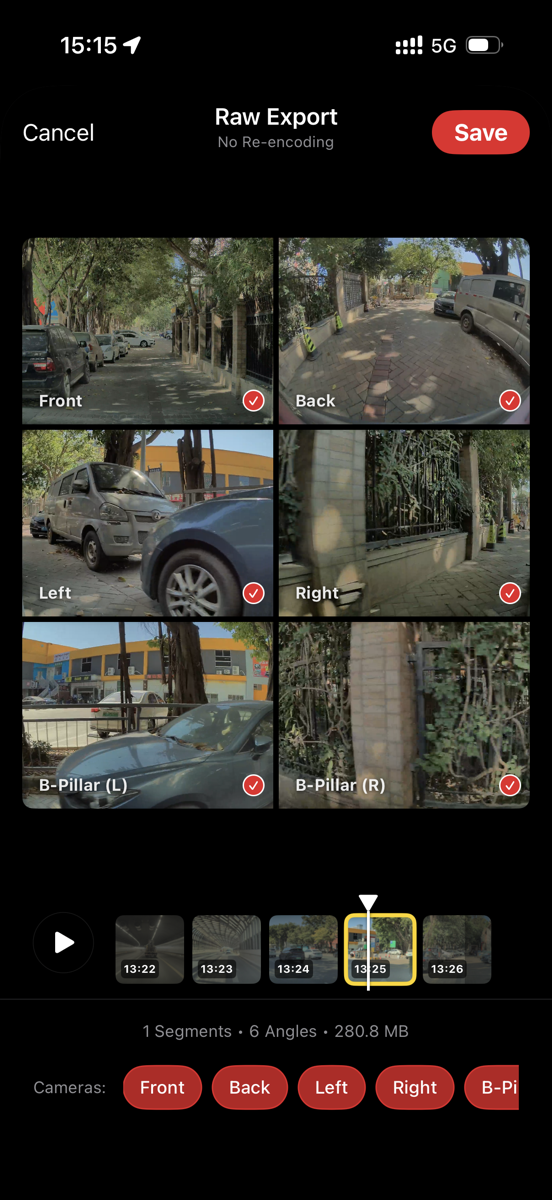
Need the originals? Batch save raw footage from all 6 camera angles to your camera roll in one tap. No re-encoding, no quality loss. Perfect for archiving or professional editing.
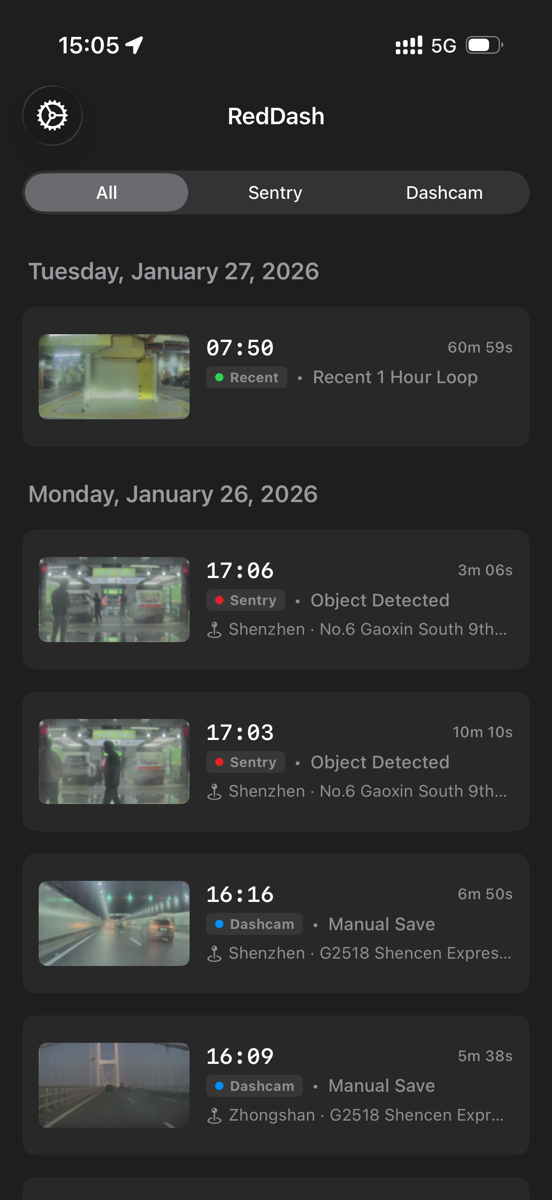
Know exactly why Sentry Mode triggered—whether it was an intrusion or just a passerby. Filter by Sentry, Dashcam, or Recent recordings. Find the clips that matter in seconds with smart event parsing and location info.
It's simple. You can use a Lightning to USB Adapter for older iPhones. For iPhone 15/16/17 with USB-C, a simple USB-C OTG adapter works perfectly. Alternatively, a dual-interface flash drive (USB-A + USB-C) also works great.
No! RedDash is designed to play video directly from your USB drive. This saves your iPhone's storage space and lets you review hours of footage instantly. You can choose to save specific clips or snapshots to your Photos library only when you need them.
Absolutely. RedDash is built for Sentry Mode. It automatically parses the
event.json file to tell you exactly why Sentry triggered (e.g.,
"Sentry Aware Object Detected" or "Vehicle Intrusion"), so you don't have to watch the whole
clip to find the action.
Yes. The app features a powerful Export Studio. You can combine all 4 camera angles into a single video, create a Picture-in-Picture layout, or even export vertical videos perfect for TikTok and Instagram. All processing happens on-device.